
ISU Cyclone Family Connection

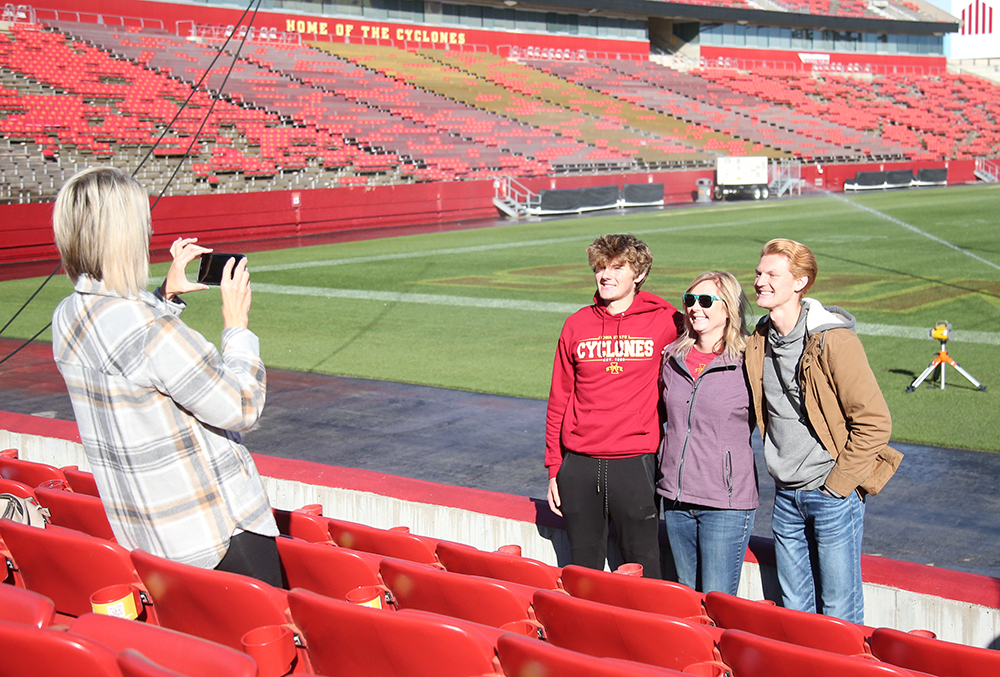
Family enjoys tour of Jack Trice Stadium during Cyclone Family Weekend

Stay in touch through ISU Cyclone Family Connection

Parent and Family Programs offers ISU Cyclone Family Connection, a parent and family portal powered by CampusESP. This portal is a one-stop shop for all the information you need to support your student's success. You can customize the type and frequency of information you receive from ISU - many departments across campus share key updates, deadlines, and more. You can also join various communities to learn about specific topics of interest.  

For the latest updates, create an account on ISU Cyclone Family Connection. You can log into the portal using the link below or have a newsletter sent to you at your desired frequency.  


Don’t just take our word for it – read what one of our parents has to say about their portal experience below.

View inside the ISU Cyclone Family Connection portal, displaying announcement and a navigation bar on the left, recent posts in the center, and an events calendar on the right.

How to Customize the Information You Receive

To stay informed about topics you're interested in, follow the steps in these visuals to join the virtual communities that pertain to your student and leave those that no longer apply. The onboarding survey is essential for updating your preferences, personal details, and your student's information. By completing or updating this survey, you'll gain access to the most relevant and timely information tailored specifically for you and your student.   

  • Shows the left side bar on the homepage of ISU Cyclone Family Connection, with the "Discover Communities" option circled.

    Step One

    To join or leave a community, go to the "Discover Communities" button located on the left sidebar. 

  • Shows button to onboarding survey in ISU Cyclone Family Connection circled above a list of communities with options to join or leave each community.

    Step Two

    Next, click into "onboarding survey updates". This will take you to the onboarding survey, where you can fully customize your interests.  

  • Image of the onboarding survey in ISU Cyclone Family Connection, with various categories and interests that users can select in order to receive information accordingly.

    Step Three

    Select as many topics or communities as interest you! Alternatively, you can join/leave communities from the "Discover Communities" screen. However, some communities require admin access to join. This is automatically requested when you select those interests in the onboarding survey. 

Thank you for the fabulous new format of ISU Cyclone Family Connection!! I absolutely love the upcoming event calendar section – it simplifies important deadlines in one place instead of searching each department’s webpage.

Donna M., ISU Parent